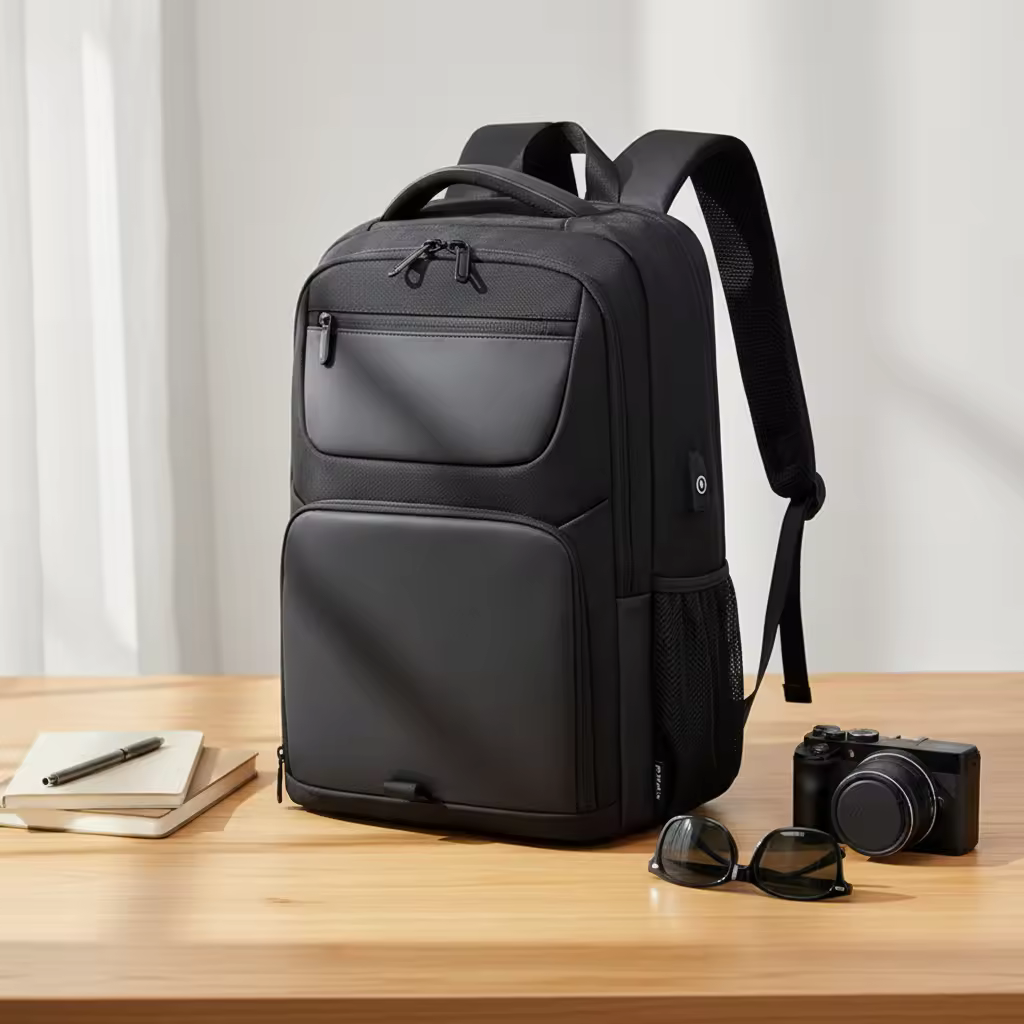

A laptop backpack manufacturer is really building two products in one: a backpack, and a protective case for an expensive device. Most problems buyers run into come from the second part. The laptop doesn’t fit, the padding is too thin, or the computer takes the full hit every time the bag is set down. This guide covers the decisions that matter for the laptop compartment itself: how to size it, what to pad it with, whether you need a suspended bottom, and what changes when the laptop is 17.3 inches.
At Nice Bags, stock laptop backpacks start from 50 pieces, and custom laptop compartments (your own size, padding or structure) usually start from 300–500 pieces.
Who Buys From a Laptop Backpack Manufacturer?
Laptop backpacks sell to a wide range of buyers, and each group judges the compartment differently:
- Corporate and promotional buyers want a professional bag that fits the laptops their company actually issues.
- Amazon and e-commerce sellers compete on listings that say “fits up to 15.6 inches” or “fits 17.3 inches”. If a customer’s laptop doesn’t fit, it becomes a return and a bad review.
- Retail and travel brands care about protection, layout and how the bag works at airport security.
For the wider picture of materials, hardware and the OEM/ODM process, see our custom business backpack sourcing guide. This guide stays on the laptop compartment.
How Do You Size a Laptop Compartment?
Start with the fact that “15.6 inches” is not a size you can sew to. Laptop screen size is measured diagonally across the visible screen and doesn’t include the bezel (HP’s laptop size guide). Two laptops sold as 15.6-inch can have quite different widths, depths and thicknesses, depending on the bezel, the hinge and how thin the model is.
That’s why we handle sizing in two ways:
Stock styles are sized to fit the most common laptops, with room to spare. We deliberately make the compartment a little larger, not a tight fit. A compartment cut to one exact model will jam another laptop with the same nominal size. A slightly larger compartment fits most laptops in that class, and the padding and an inner strap keep the laptop from sliding around.
Custom styles can be built around a specific laptop. If you supply company-issued laptops, or your listing names specific models, send us the model numbers or the exact external dimensions. We’ll size the compartment and its internal structure to them.
A practical rule for your spec sheet: give us the laptop models or exact dimensions, not only the screen size. And if your listing says “fits up to 17.3 inches”, test the sample with the largest, thickest 17.3-inch laptop your customers are likely to own.
What Padding Should a Laptop Compartment Use?
Padding is where a cheap laptop backpack and a good one differ most, and it’s mostly invisible in product photos.
Most laptop compartments use a three-layer “sandwich”: the outer fabric, a cushioning foam in the middle, and a soft lining on the inside. The lining (microfiber, short plush or brushed fleece) only stops scratches. The foam in the middle does the protecting, so that’s the layer worth specifying.
| Foam | What it does well | Trade-off |
|---|---|---|
| High-density EVA | Firm, holds its shape, resists impact; usually 3–6 mm | Heavier and costs more |
| EPE (pearl) foam | Light, low-cost, decent cushioning | Soft; flattens under long-term pressure |
| High-resilience sponge foam | Soft, wraps closely around the laptop | Standard sponge can flatten over time |
| XPE / IXPE foam | Fine, even cells, springy and flat; sits between EPE and EVA | Costs more than EPE |
| Neoprene | Flexible, cushioning, resists light splashes | Gets heavy when thick; doesn’t hold its shape well |

In practice, the choice usually follows the price level of the bag:
- Budget, high-volume lines: EPE combined with sponge foam
- Most export business backpacks: EVA or XPE, which balance shape and protection
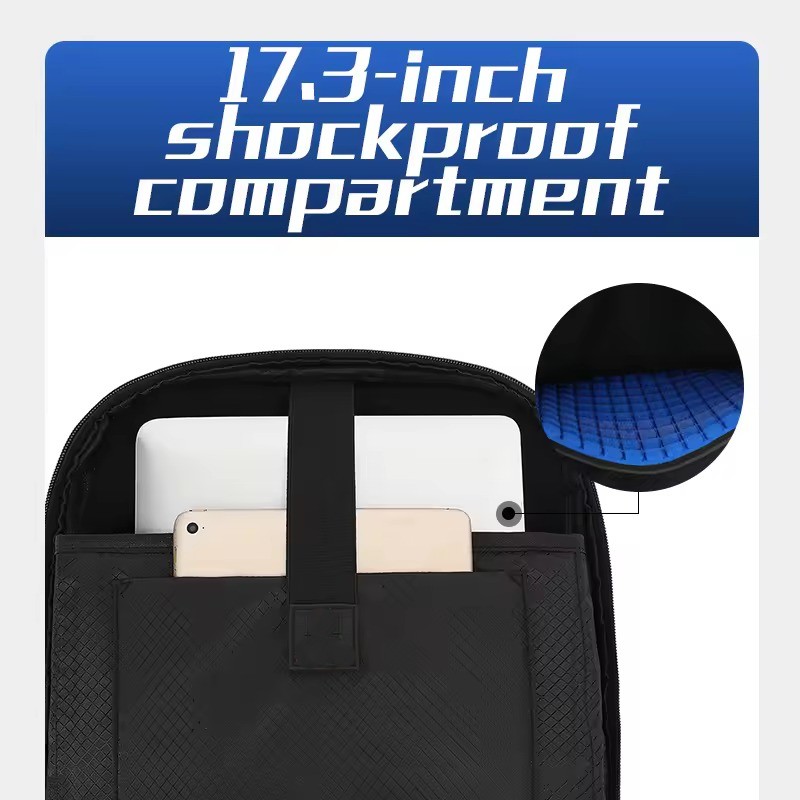
- Premium drop protection: EVA plus high-resilience foam, for example 2–3 mm EVA with about 2 mm of soft foam, often together with a suspended bottom
On custom orders we can also add EVA corner pieces or separate corner guards, and air-cushion or honeycomb layers. These aren’t standard features; we build them when a buyer asks for them. Whatever you choose, sample it first, because the right feel depends on the bag’s overall structure.
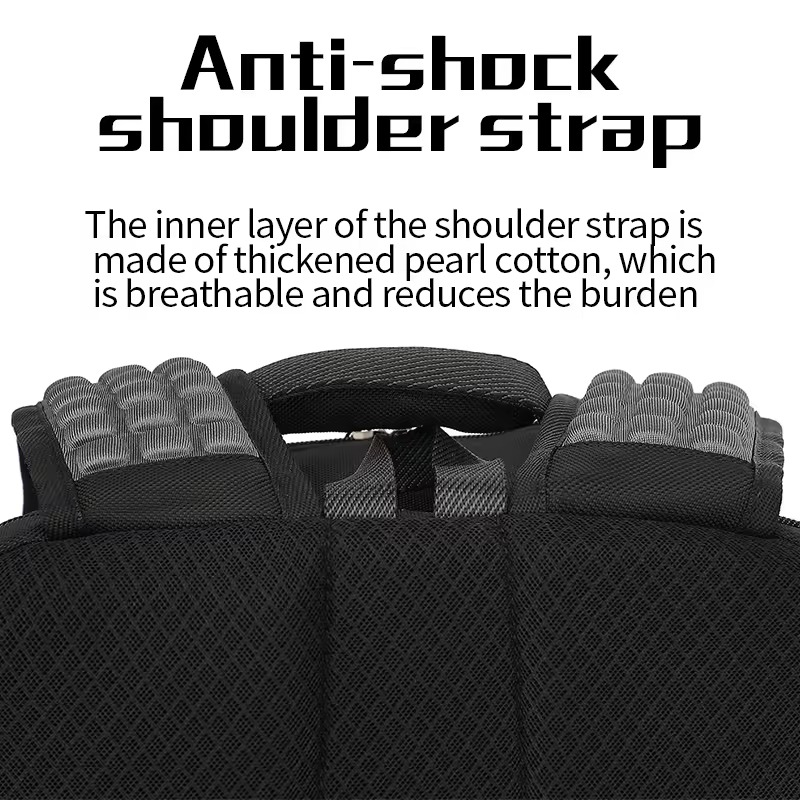
One thing not to confuse: thick, soft shoulder straps and back panels usually use mesh with low-density foam. That’s a comfort standard, not a protection standard, so a well-padded strap tells you nothing about how well the laptop is protected.
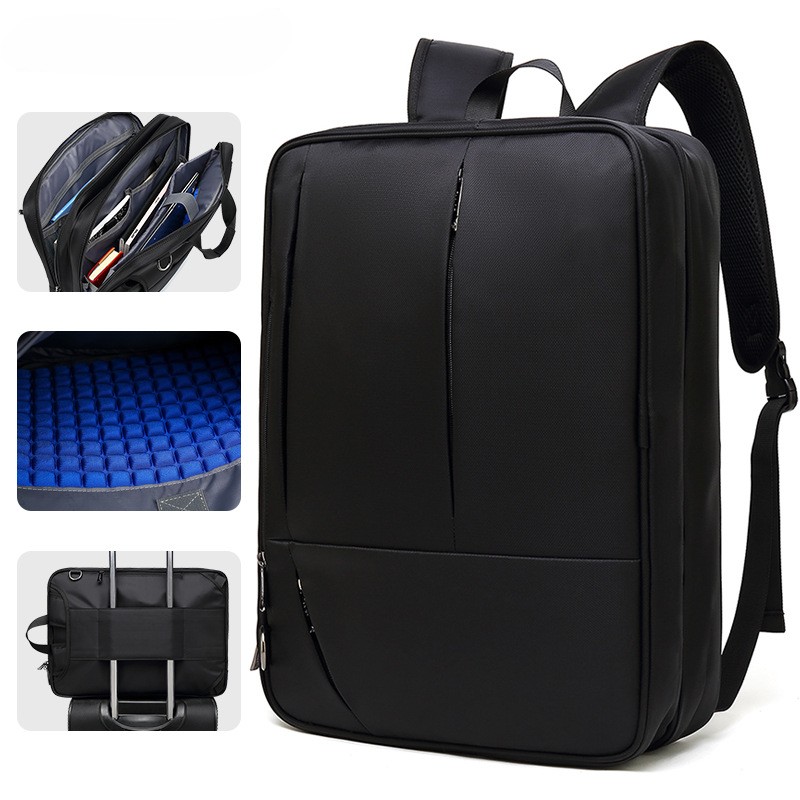
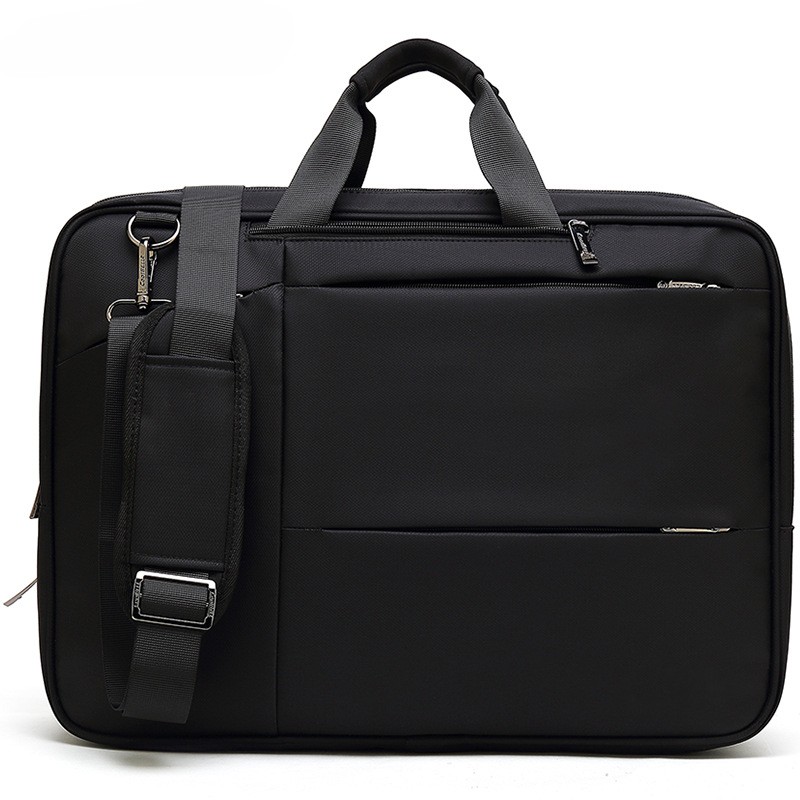
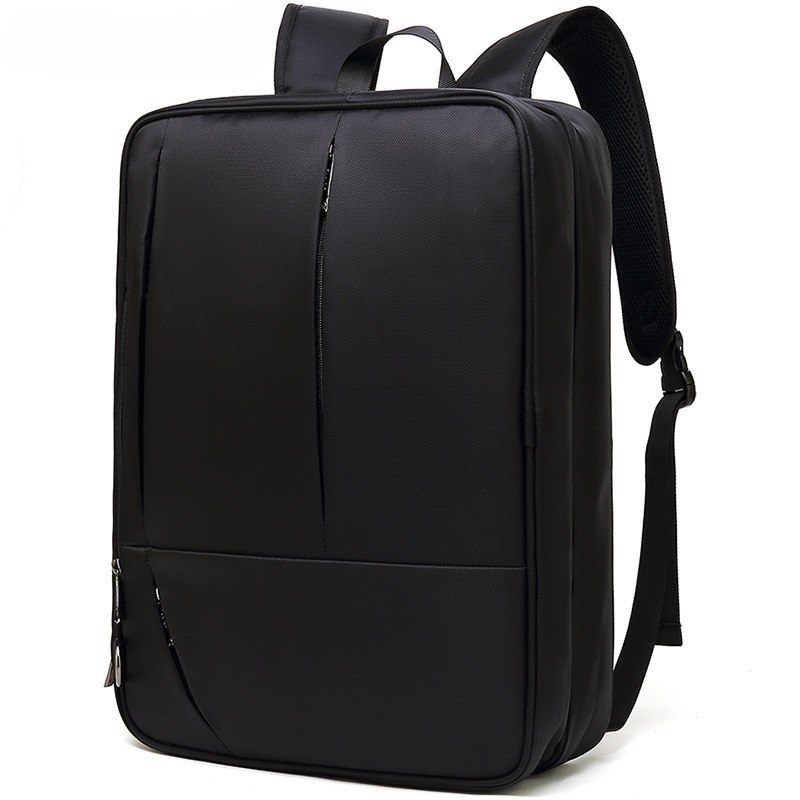
For an example, our SWBB-008 convertible briefcase backpack uses thickened wave-foam padding to spread impact around a 17.3-inch laptop.
Do You Need a Suspended or False Bottom?
Most laptop damage happens at the bottom of the bag. When a backpack is dropped or set down hard on the floor, a laptop that sits on the bottom seam takes the impact directly through its corner.
A suspended (or “false bottom”) compartment solves this. The laptop compartment stops above the actual base of the bag, so there’s a gap underneath. Product reviewers commonly describe this gap as about one to two inches (Thewearify on false-bottom sleeves).

We can build suspended and false-bottom compartments on custom orders, typically from 300–500 pieces, since the structure changes the bag’s pattern. If drop protection is a selling point for your brand, this is the feature to specify, more than adding extra pockets.
Where Should the Laptop Compartment Open?
On most of our laptop backpacks, the laptop sits in its own padded section inside the main compartment. That’s the most common layout, and it works for daily commuting. If you need something different, we can build it on custom orders:
- Back-panel access: the laptop zipper sits against the wearer’s back, which is harder for someone else to open in a crowd.
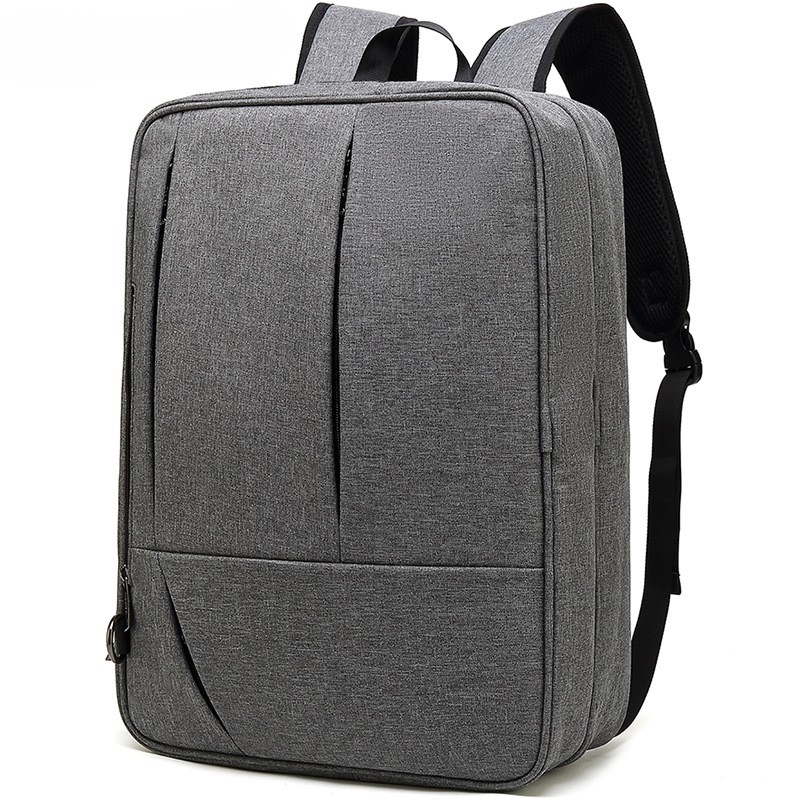
- Side access: useful when the bag converts between carrying styles. Our SWBB-008, for example, has two main compartments with the laptop in one, so it can be carried as a backpack or turned 90 degrees and carried as a briefcase.
- Separate front-loading laptop compartment: the laptop comes out without opening the main compartment.
What Does “TSA Checkpoint-Friendly” Actually Require?
Many buyers ask whether a backpack can be called “TSA friendly”. Be careful with that claim. Under TSA guidance, laptops can stay in the bag only if it gives a clear X-ray view. That means a designated laptop-only section that lies flat on the X-ray belt, with nothing above or below it, no metal snaps, zippers or buckles on it, no pockets in it, and nothing but the laptop inside. TSA also says it doesn’t approve or endorse any bag design (TSA checkpoint-friendly laptop bag guidance, archived).
A 180-degree opening, like the one on our SWBB-010 multi-compartment business backpack, makes it much easier to take a laptop out and pack it back in at security. But an opening that lies flat isn’t automatically checkpoint-friendly. If you want to market your bag that way, tell us at the design stage, so the laptop section is built to those criteria and checked on the sample.

For other airport-related details, see our business travel backpack buyer’s guide and our 40x30x20 cabin backpack guide.
What Changes With a 17.3-Inch Laptop Backpack?
17.3-inch laptops are the largest common size, and they’re often gaming or workstation models that are heavier and thicker than a typical business laptop. That changes the bag in three ways:
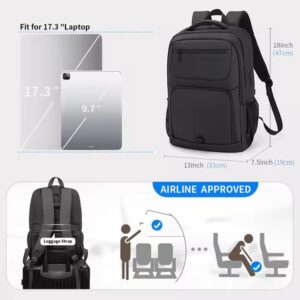
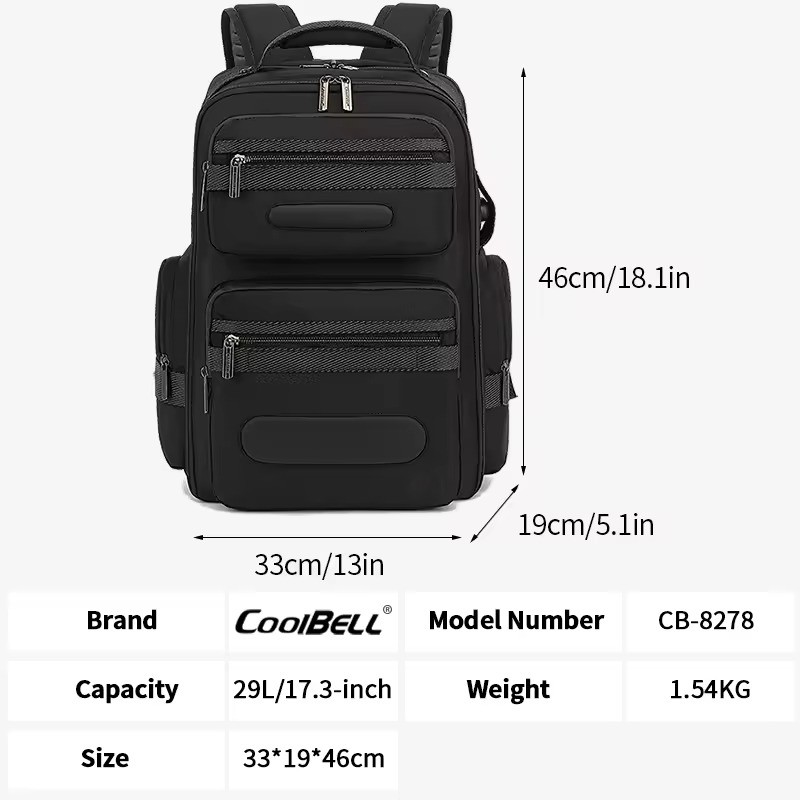
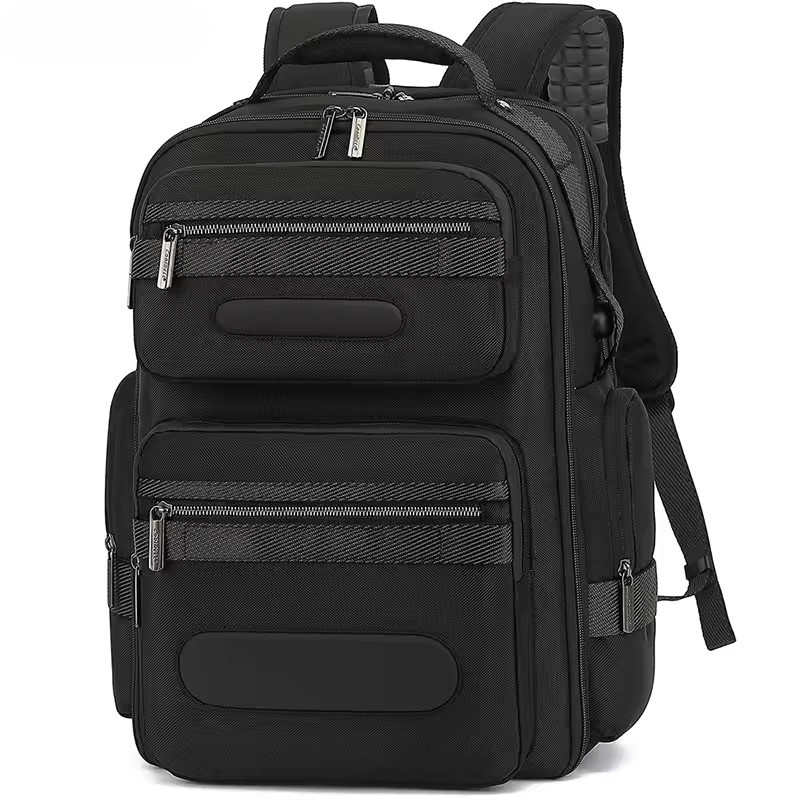
- The whole bag gets bigger. Our 17.3-inch backpacks are around 46–49 cm tall and 32–34 cm wide. Check that the size still works for your customers, especially if they also need it to fit under an airplane seat.
- Padding and structure matter more. A larger, heavier laptop puts more force on the compartment’s corners and bottom in a drop.
- Weight adds up quickly. A big laptop, a charger and daily items get heavy, so the shoulder straps and back panel need to carry the load comfortably.
The weight of the empty bag still varies a lot. Our BCB-003 nylon laptop backpack fits a 17.3-inch laptop and weighs about 0.74 kg empty, which matters if your buyers count every gram.
Which Extra Features Do Buyers Add?
Beyond the compartment, a few features come up on almost every laptop backpack quote:
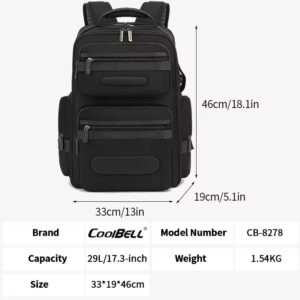
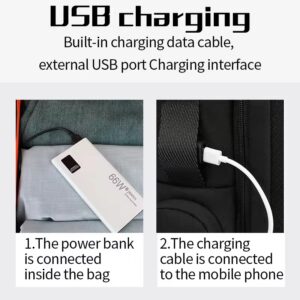
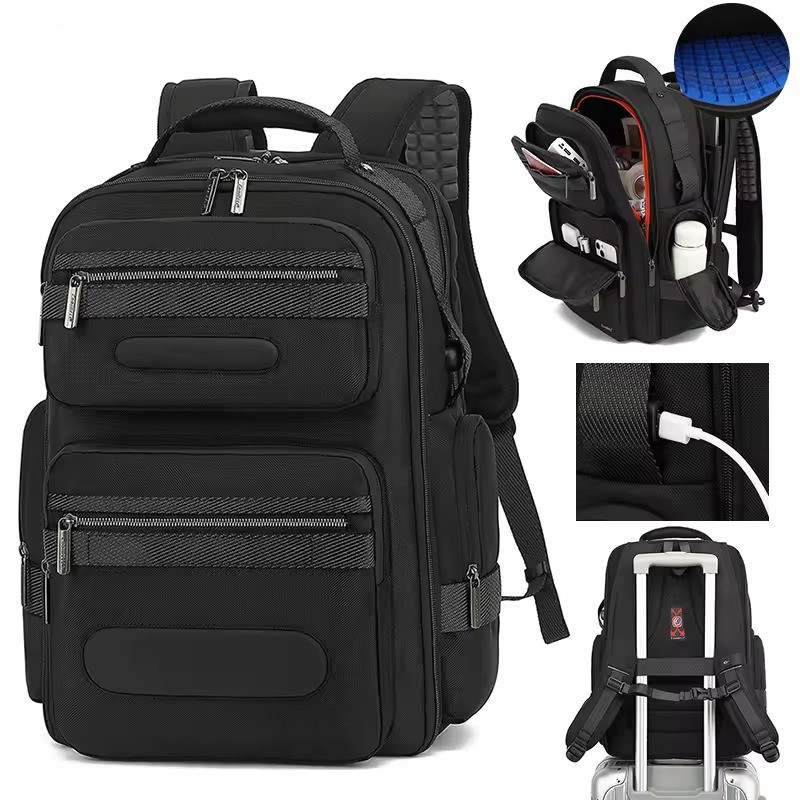
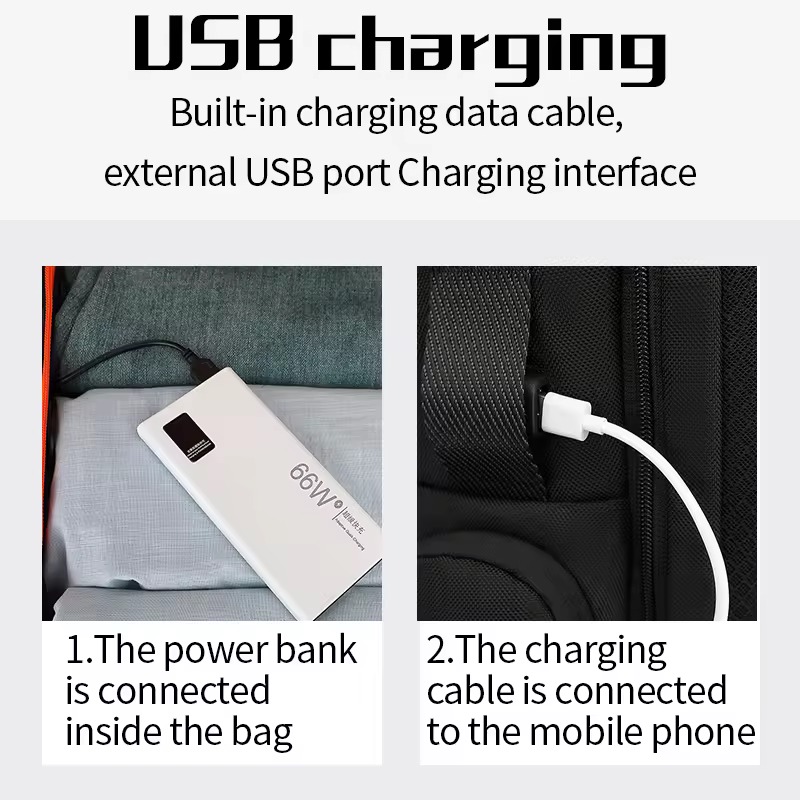
- USB charging port: an external port connected to an internal cable for a power bank
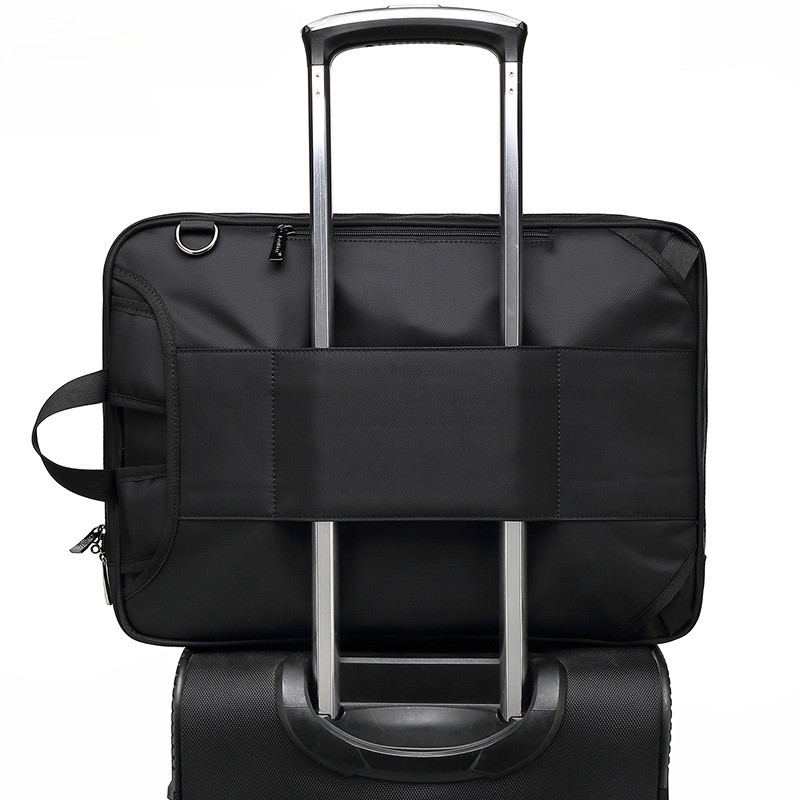
- Luggage strap (trolley sleeve): a strap on the back panel that slides over a suitcase handle
- Anti-theft details: hidden zipper pockets, back-access compartments and RFID-blocking pockets
- Water-repellent fabric: so a laptop survives a sudden rain shower
Our business backpack sourcing guide covers these in more detail, including why zippers on laptop bags are usually the first part to fail.
What Are the MOQ, Price and Sampling Time?
MOQ:
- Stock laptop backpacks: from 50 pieces, with or without your logo
- Custom laptop backpacks, including suspended or false-bottom compartments and other structural changes: usually 300–500 pieces, depending on how much changes
Price: laptop backpacks range from a few dollars to several tens of dollars per piece. The fabric, padding, structure, features and quantity all move the price. Send us your target price, quantity and the laptop size you need, and we’ll match you to stock styles or suggest a custom build. For what drives the cost, see How Much Does a Custom Business Backpack Cost?
Sampling: stock styles with a heat-transfer logo usually take 1–2 weeks to sample, and 2–3 weeks with screen printing, because the machines need setting up. Custom styles take about 3–4 weeks, since the pattern is new. If you plan to sell under your own brand, our private label backpack manufacturer guide explains what you own with each option.
What Should You Check on the Sample?
When the sample arrives, test the laptop compartment the way your customers will use it:
- Fit: put in the largest laptop your listing promises to fit, and also a thick model. It should slide in without forcing the zipper.
- Zipper at the corners: open and close the laptop compartment fully, several times, with the laptop inside. The corners are where zippers jam or split.
- Bottom: with the laptop inside, feel whether it rests on the bottom seam or sits above it.
- Padding: press the panels around the laptop. Thin or uneven foam is easy to feel.
- Loaded carry: pack the bag as a customer would and wear it for a while, checking the straps and back panel.
FAQ
What is the MOQ for custom laptop backpacks? Stock laptop backpacks start from 50 pieces. Custom designs, including structural changes such as a suspended compartment, usually start from 300–500 pieces.
Will a 15.6-inch laptop fit your 15.6-inch laptop backpack? Our stock styles are sized with extra room so most laptops in that size class fit. Because laptops with the same screen size have different body dimensions, send us the models or exact dimensions if you need a guaranteed fit, and we can size a custom compartment to them.
Can you make a laptop backpack with a suspended or false bottom? Yes, on custom orders, usually from 300–500 pieces. The laptop compartment stops above the base of the bag, so the laptop doesn’t take the impact when the bag is set down.
What padding do you use in laptop compartments? We use high-density EVA, EPE, high-resilience sponge foam, XPE and neoprene, with a soft lining on the inside. Budget lines usually use EPE with sponge foam, most business backpacks use EVA or XPE, and premium bags combine EVA with high-resilience foam. Corner guards and air-cushion layers are available on custom orders.
Are your laptop backpacks TSA checkpoint-friendly? TSA doesn’t approve or certify bags. A checkpoint-friendly design needs a laptop-only section that lies flat with nothing above, below or inside it except the laptop. If you need that, tell us at the design stage so it’s built and checked on the sample.
Do you make 17.3-inch laptop backpacks? Yes. Several of our stock styles fit 17.3-inch laptops, and we can build custom compartments for larger or thicker models.
Start Your Laptop Backpack Project
Tell us the laptop sizes or models you need to fit, your quantity and your target price. We’ll match you to stock styles or plan a custom compartment. Browse our laptop backpack range or contact our team for a quote.